UPGRADER







 7 740

 NEW SKINS ›
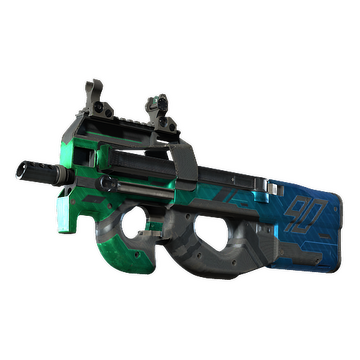
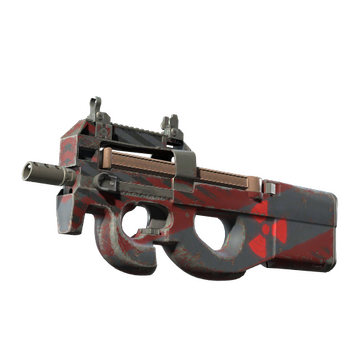
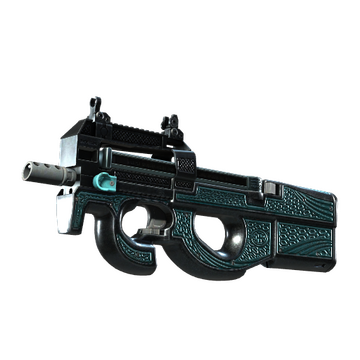



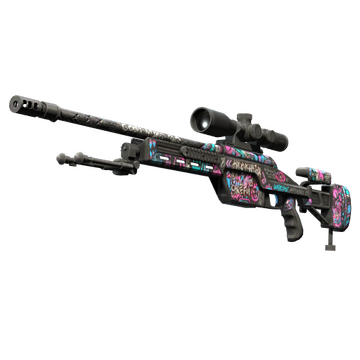





Upgrader for CS2
Upgrader turns everyday CS2 drops into an opportunity to shape the inventory you actually want. Instead of leaving low-tier skins forgotten in your Steam backpack, you can channel them into a provably fair upgrader that opens the door to higher-value pieces. Every spin runs on transparent odds, connects directly to your Steam account, and gives you the freedom to define how far you push. Whether you arrive with a single trophy skin or a stack of routine drops, the platform is built to help you elevate what you already own.
Your Path to a Standout CS2 Inventory
An inventory tells a story. It reflects the maps you played, the games you won, the trades you made along the way. Upgrader gives you a way to keep writing that story on your own terms. Rather than accepting whatever the drop system happens to deliver, you decide which pieces you want to chase and how much of your existing collection you are ready to commit toward reaching them. That freedom sits at the heart of the platform, and every feature — from the odds engine to the interface — is shaped around it.
The service exists specifically for CS2 skin traders who want more agency over their collection. It supports the whole spectrum, from newcomers exploring their first upgrade to seasoned collectors chasing highly specific pieces. The result is a space where routine Counter-Strike drops become raw material for something more expressive, and where a modest starting inventory can grow into a showcase that reflects your personal taste in finishes, patterns, and rarity tiers.

Unlock Your Welcome Rewards
Every journey starts with momentum, and Upgrader is designed to give you plenty of it from the first login. A welcome offer greets new participants as soon as their first deposit clears, adding extra balance so you can explore the platform, test the mechanics, and place your first upgrade attempts with a little more room to experiment. The exact reward you receive depends on the deposit path you choose and any active promotional codes you decide to redeem.
Beyond the welcome moment, ongoing rewards keep the momentum flowing. Reload boosts add value to future deposits, daily activity rewards recognise consistent engagement, and the referral programme lets you earn a share whenever friends you invite start their own upgrader adventure. The dedicated promo codes page collects everything worth claiming in one place, so you can compare offers, understand the terms, and pick the one that fits your session best.
Rewards you can unlock across your Upgrader experience:
- First-deposit welcome bonus that gives your journey an early lift
- Reload boosts that add extra value to follow-up top-ups
- Daily rewards that celebrate consistent activity
- Referral commissions earned from the friends you invite
- Seasonal promo codes shared through community touchpoints
Begin Your Upgrader Journey in Minutes
Getting started on Upgrader takes less time than a warm-up round. The sign-in flow uses Steam OpenID, which means Valve handles the authentication step on their own domain, and your Steam password stays private throughout the process. Once you land back on the platform, a short onboarding sequence guides you through age confirmation, terms acceptance, and trade URL setup — the essentials that let the platform read your inventory and send skins back to you when you win.
Your journey from landing page to first upgrade attempt follows a clear sequence:
- Click Sign in with Steam to open the OpenID authorisation window
- Approve the authentication request through Valve's login page
- Confirm that you meet the minimum age of 18 and accept the terms
- Add your Steam trade URL so the platform can move items to and from your inventory
- Fund your account with your preferred deposit path and launch your first spin
Before you place any meaningful deposit, take a moment to make sure Steam Guard two-factor authentication is active on your Valve account. It is one of the strongest single safeguards you can enable for anything that touches your CS2 inventory, and it costs you nothing to switch on. The Upgrader account settings also let you review active devices, check recent logins, and refresh your session tokens whenever you want a clean slate.
If your future withdrawals reach a size that triggers identity verification, the KYC process typically wraps up within a day of you submitting your documents. The KYC guide walks through exactly what to prepare, how the review works, and what to expect on the other side, so nothing about the flow needs to feel unfamiliar.
Choose the Deposit Path That Fits Your Style
Every player funds their journey a little differently, and Upgrader embraces that. If your CS2 backpack is already full of drops, direct skin deposits let you convert them straight into platform balance without touching any external market. If you prefer to keep things digital, cryptocurrency options carry your value across without asking you to change wallets or reveal card details. And if a straightforward card payment fits your habits better, that path is open too where regional support allows.
Deposit paths available on the platform:
| Path | Best For | Speed to Play | Costs Involved |
|---|---|---|---|
| CS2 skins via Steam trade | Players with existing inventory | Instant on trade approval | No platform fee |
| Bitcoin and Ethereum | Crypto-first participants | Once network confirmations complete | Standard network fee |
| USDT, Litecoin, Solana | Fast-settling stablecoin and altcoin users | Once network confirmations complete | Standard network fee |
| Card payments | Players who prefer familiar checkout | Instant on approval | Processing surcharge |
| Regional skin gateways | Localised payment preferences | Near-instant on confirmation | No platform fee |
When it is time to bring value back out, withdrawals follow the same spirit of flexibility. Instant withdrawals cover most routine cash-outs, while larger amounts or fresh accounts might see a short review as a safety measure. The withdrawal guide gives you a clear read on typical timings, common processing checkpoints, and situations where an additional verification step keeps everything secure. It is designed so that no part of the exit path feels opaque.
Three Ways to Elevate Every Spin
Upgrader offers three distinct paths to reach the skins you want. Each path uses the same fair engine, publishes the same odds, and gives you the same visibility into probabilities before you commit. What changes is the input: what you bring to the table, how you assemble it, and which strategy fits the moment you are in.
A quick sense of how each path feels in practice:
| Path | What You Bring | What It Fits |
|---|---|---|
| The Single-Skin Ascent | One skin from your inventory | Focused attempts on a specific target |
| Combine and Conquer Multi-Item | Several skins pooled together | Turning many drops into one bold reach |
| Balance-Powered Discovery | Funds on your platform balance | Playing without an existing inventory |
The Single-Skin Ascent
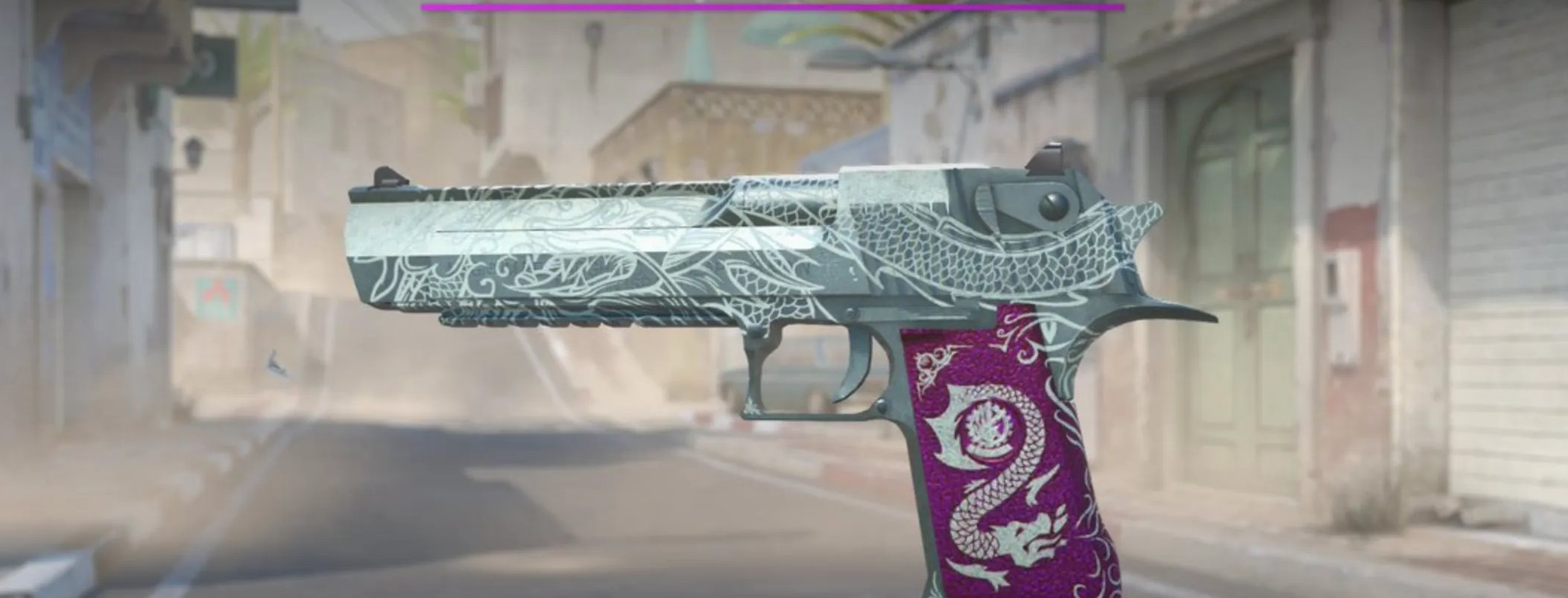
The single-skin path is where most journeys begin. You pick one skin from your platform inventory, choose a target from the catalogue, and watch as the odds engine tells you exactly what chance you have of reaching it. The value ratio between your input and your target — adjusted for the disclosed house edge — sets the probability. Higher targets naturally sit further away, but the transparent calculation means you always know the shape of the challenge before you take the leap.
Combine and Conquer with Multi-Item Upgrades
The multi-item path unlocks something powerful for anyone whose backpack has quietly filled up with routine drops. Instead of running each skin through a separate spin, you combine multiple inputs into one attempt. The pooled value gives you a stronger reach toward higher-tier targets, and the interface lets you preview the exact combined value and probability before you commit. It is a natural choice when your inventory is broad but shallow, and it turns forgotten low-tier pieces into raw material for a single, more meaningful upgrade.
Balance-Powered Skin Discovery
Not every journey starts with a Counter-Strike inventory ready to trade. The balance-to-skin path is built for participants who prefer to work directly from their platform balance, funded through any supported deposit method. The mechanics mirror the single-skin experience, but with balance value taking the place of the input skin.
Trust Built on Verifiable Fairness
Trust is not asked for on Upgrader — it is proven. The odds engine uses a cryptographic proof mechanism that lets you verify any completed round with your own hands. A server seed is generated ahead of time and its SHA-256 hash is shared with you before you commit. When the batch of spins ends and the seed is revealed, you can confirm the hash matches, replay the calculation, and see for yourself that the outcome existed before the spin animation even started. It is a level of transparency that puts you in the position of the auditor.
The verification flow follows this path:
- Save the pre-round server seed hash shown in your verification history
- Wait for the batch to conclude and the server seed to be revealed
- Confirm the SHA-256 hash of the revealed seed matches the pre-round hash
- Combine server seed, client seed, and nonce to reproduce the round outcome
- Compare your calculation to the outcome recorded on the platform
A dedicated provably fair page walks through every step in detail and includes a calculator that reproduces the mechanics with sample inputs. Because the hash is committed publicly before your spin, there is no window for the platform to change anything after the fact — and that mathematical guarantee is what makes the model widely trusted across the CS2 skin upgrader space and iGaming more broadly.
Play With Purpose and Confidence
An empowering experience is one where you always stay in control. Upgrader treats responsible gaming as a core feature, not an afterthought, because the best sessions are the ones you actively choose to have. Every account carries the tools you need to shape your play patterns, protect your budget, and step back whenever the moment calls for it. Access is limited to adults of 18 and above, and age verification supports that commitment throughout your time on the platform.
Tools that keep your play balanced and intentional:
| Tool | What It Does | How It Adjusts |
|---|---|---|
| Deposit limit | Caps how much you can add over daily, weekly, or monthly periods | Decreases apply straight away; increases take effect after a pause |
| Session reminder | Shows how long you have been playing in the current session | You choose the interval that fits your rhythm |
| Cooling-off period | Pauses account access for a chosen stretch of time | Automatic release once the interval ends |
| Extended self-exclusion | Closes the account for a longer window | Permanent choices are not reversible |
If you ever want additional support beyond what the platform offers, the responsible gaming page points to established international resources across the United Kingdom, European Union, Australia, New Zealand, and North America. Reaching out to those organisations is a positive step, and the Upgrader team is also available through the safer-gaming channel to help you configure account-level protections whenever you need them.
Join a Community That Shares Your Passion
Upgrader sits inside a much wider Counter-Strike community, and the platform is at its best when participants feel genuinely welcome to explore, ask questions, and share what they discover. The support team is structured around that principle, with distinct channels for different needs so your enquiry reaches the right people from the start. Every touchpoint is documented and easy to find from the main navigation.
Ways to stay connected and get help:
- Contact page for general questions and account-level support
- KYC guide for anything related to identity verification
- Withdrawal guide for cash-out timelines and processing details
- Complaints procedure when a formal escalation is the right move
- Safer-gaming channel for responsible gaming configuration and advice
Openness sits at the centre of the Upgrader experience. House edge is disclosed, odds are transparent, and every reference document — from the terms and conditions to the provably fair specification — lives inside the same navigation you use every day.